Design Tools to Help You Get Started
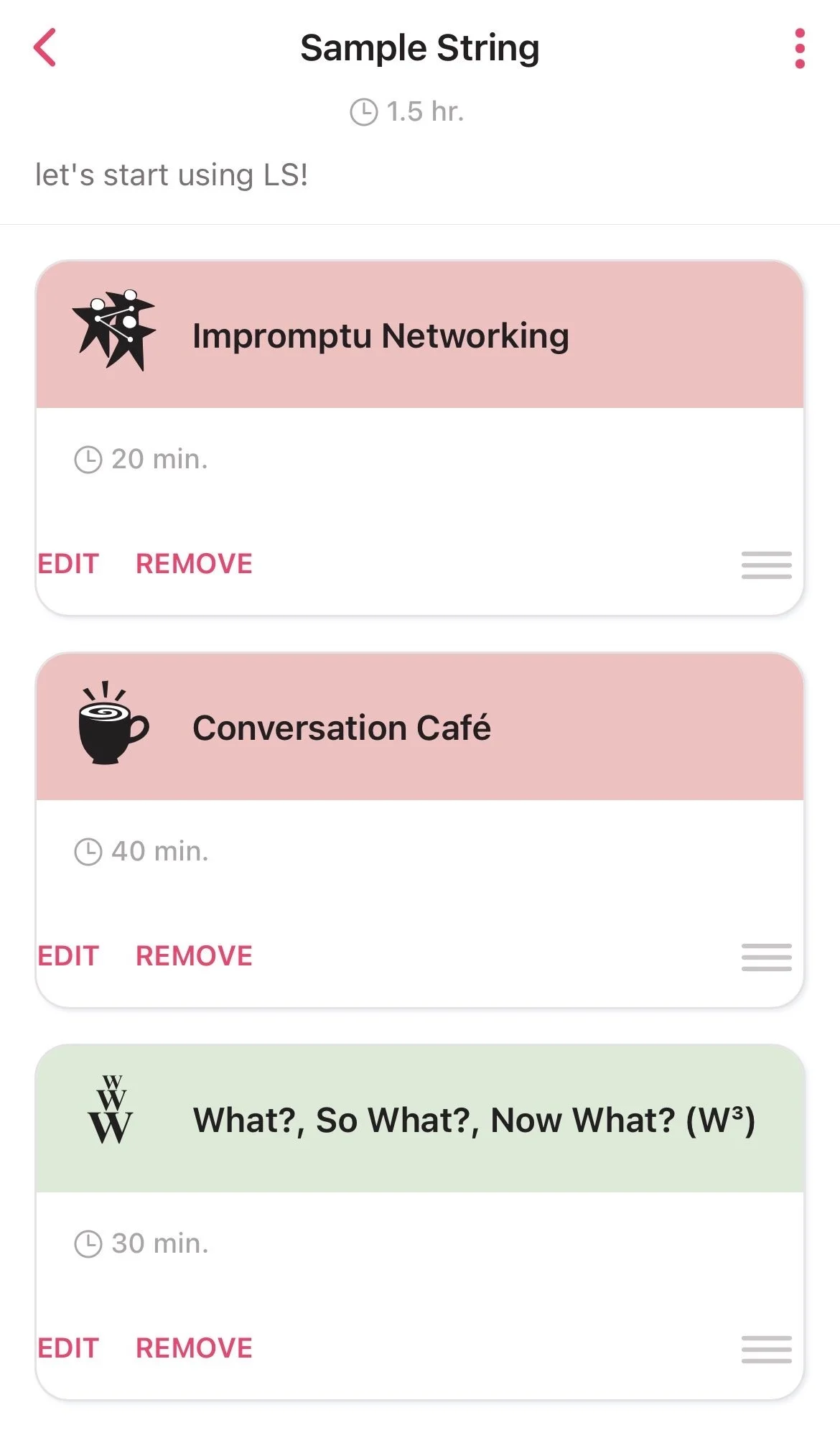
On this page, you’ll find a tightly curated set of supports to help you get started with selecting LS to use, organizing a plan, and carrying the essentials with you when you actually use the repertoire (the matchmaker, design storyboards, and the LS app).
Selection Matchmaker
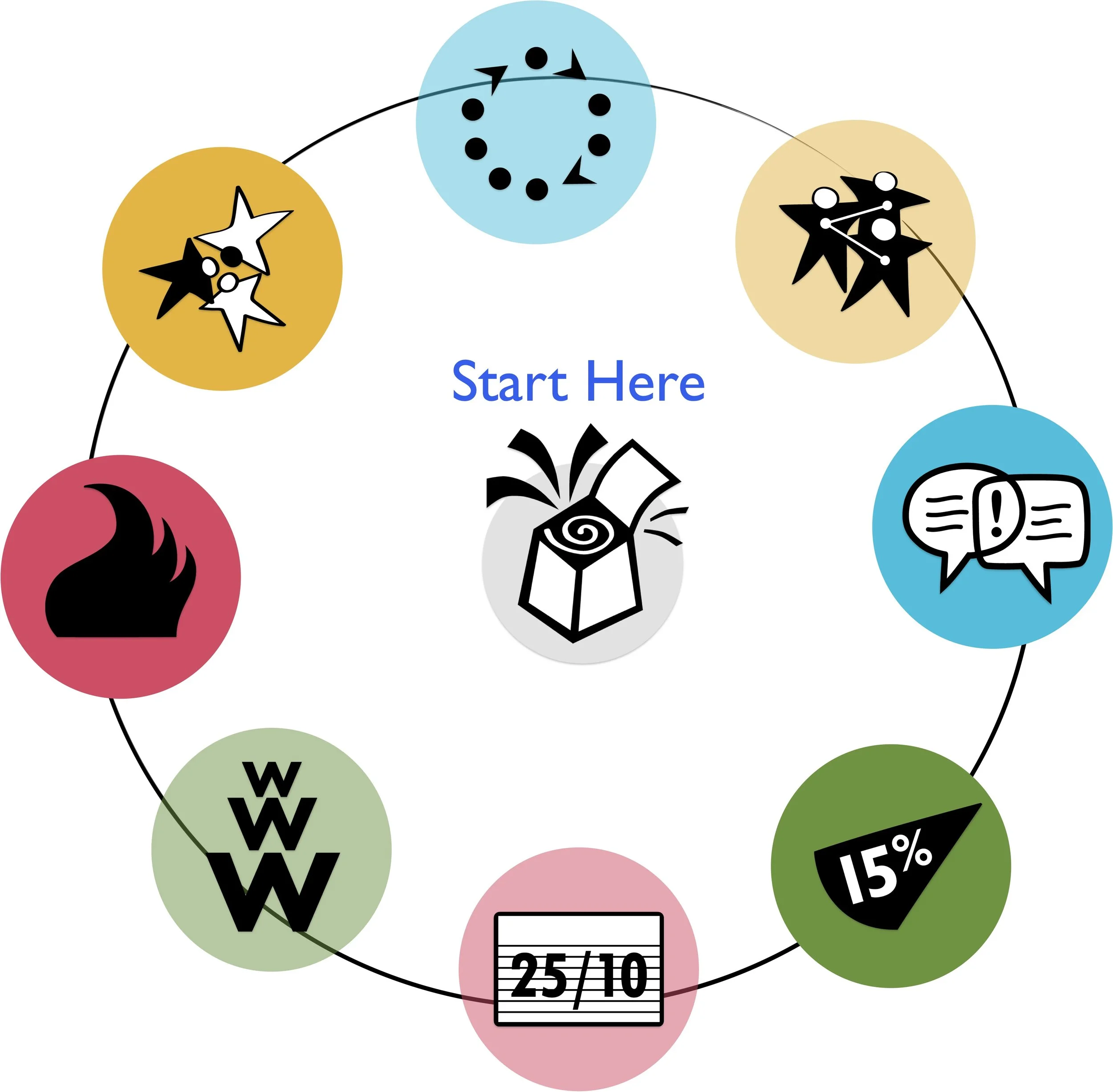
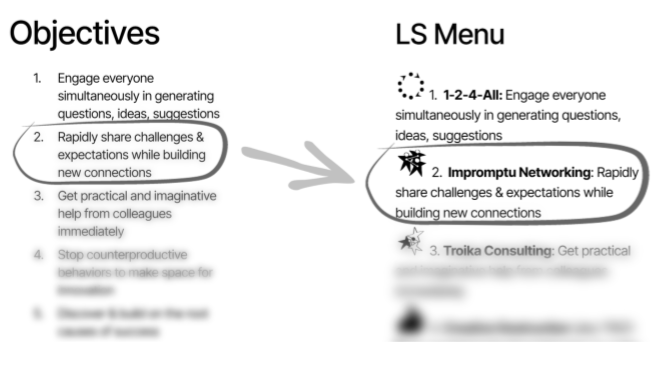
The Selection Matchmaker helps you quickly identify LS that may be suited for your situation. It maps 43 objectives — from generating ideas to navigating complex challenges — to the specific LS best suited to address them.
You don't need to know all 43 structures in the Matchmaker to get started. Just review the objectives in the tool and note those that you want you want to accomplish, and the Matchmaker will give you a sense of direction.
You can also download or make a copy of the Matchmaker to use in planning sessions.
Found your structure? Browse the full list and go straight to it →
Review the list of objectives listed in the Matchmaker.
Mark the statements that resemble your goals or fit your situation.
Match your selections to specific Liberating Structures in the menu.
Compare your selections with cohosts or design group members. Explore differences, similarities, and options.
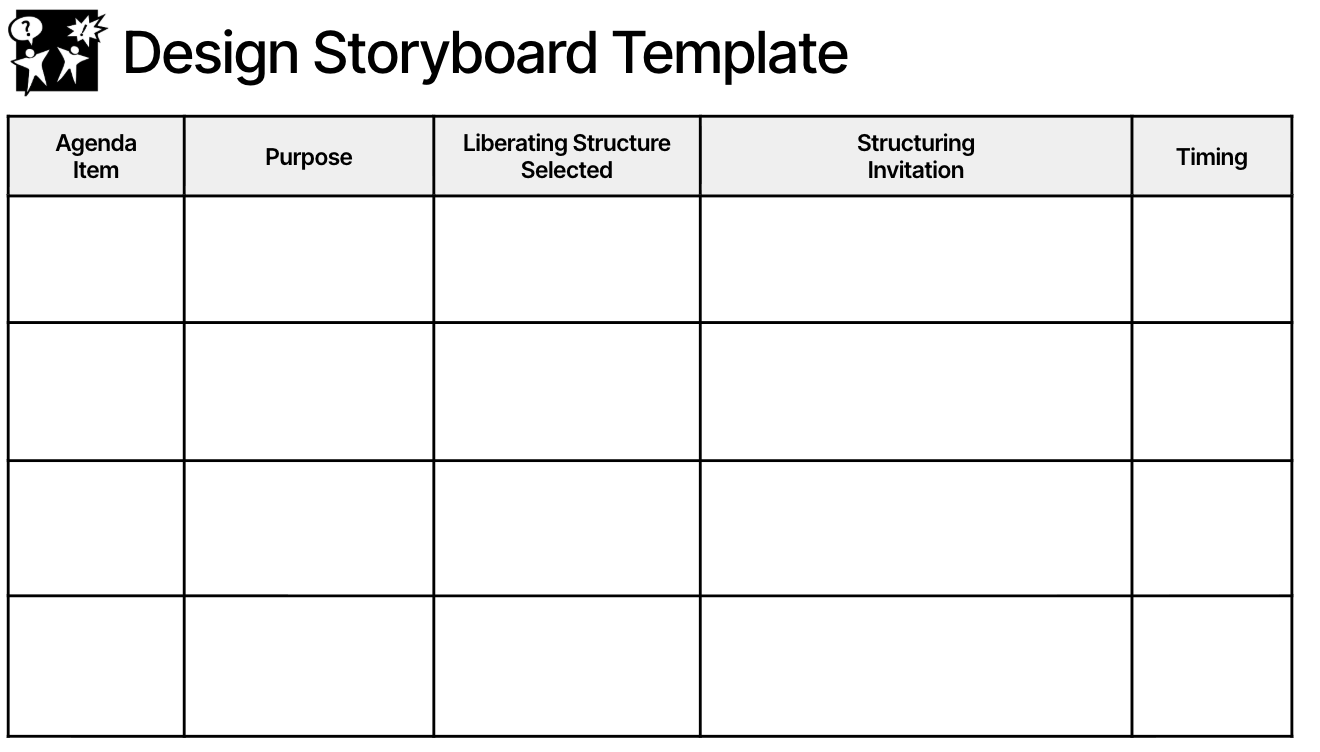
Creating a detailed plan helps a group define a precise meeting purpose, identify essential participants, and map out key elements. By organizing meetings around LS, we can often reduce causes of dysfunction, such as a lack of shared purpose and overcontrolled participation.
Design Storyboards